

Free AI Tools of Google – Get the Best of the Ecosystem
Published on 11 January 2026

Disclaimer: Some links in this site are affiliate links. As an Amazon Associate, we earn from qualifying purchases.
Table of Contents
Introduction
We’re now literally in the sea of AI tools and it’s a problem of plenty.
It’s important not to get lost and get the best of the AI ecosystem that best suits each of our needs. Fortunately, you don’t need a massive budget to access cutting-edge AI technology.
Google offers a powerful suite of free AI tools of Google that are democratizing access to machine learning, creative assistance, and data analysis for everyone—from students and entrepreneurs to developers and creatives.
These tools are designed to help you automate tasks, generate creative content, analyze complex data, and build intelligent applications, all without opening your wallet. Let’s dive into some of the most impactful free AI resources Google provides.
The best way to explore the free AI tools of Google is to pick one that aligns with your goal. Are you a content creator? Start a conversation with Gemini. A student learning ML? Open a Colab notebook and follow a tutorial. A developer with an app idea? Prototype it in AI Studio.
These tools represent Google’s commitment to an open and collaborative AI future. By providing these resources for free, they are empowering a global wave of creators, problem-solvers, and innovators. The future of AI isn’t just being built in large labs—it’s being built by you and Google has given you the toolbox. Start exploring and see what you can create.
Let’s explore what are in our kitty especially for the creators and innovators
Enhance Your Productivity
Noise-cancelling headphones (for focus), ergonomic keyboard/mouse, productivity journals, “Prompt Engineering” or “AI for Creators” books.
1. AI Studio Build: Your AI Prototyping Playground with free AI tools of Google
Where to Find It: Google AI Studio
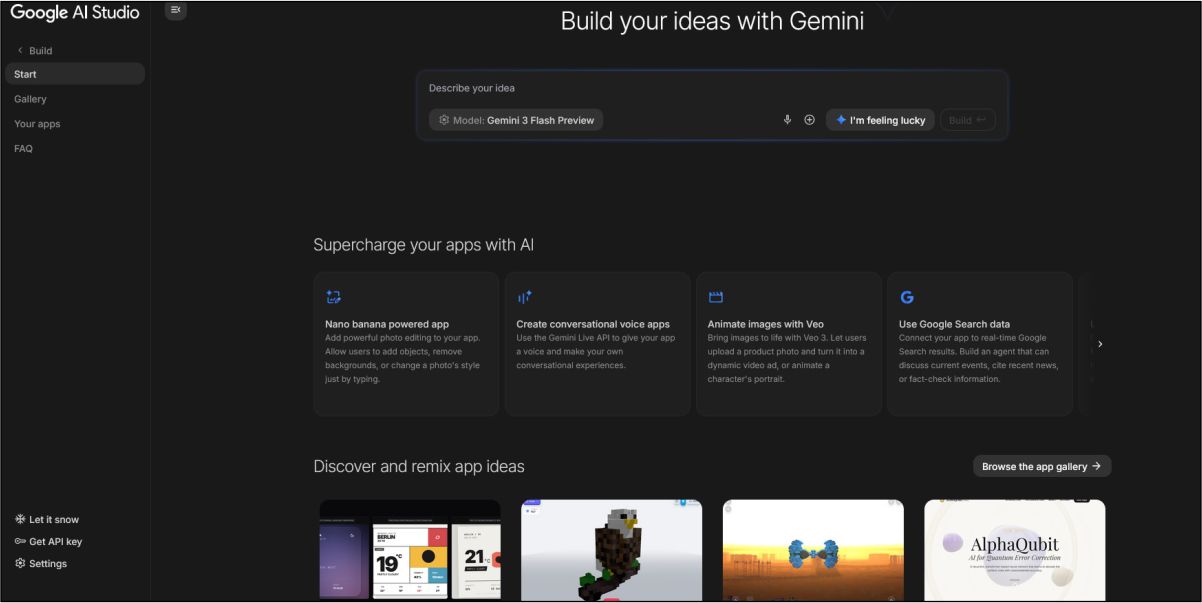
AI Studio Build is the core interface within Google AI Studio where the magic of prototyping begins. Think of it as a streamlined, web-based workshop for building with Google’s Gemini models. You can:
- Chat with Gemini: Refine prompts and have conversational interactions with different Gemini model variants (like Gemini Pro or Flash) to test their capabilities.
- Create Structured Prompts: Design “prompt templates” that generate consistent, formatted outputs like JSON, emails, or code snippets.
- Build a Custom Chat Interface: Quickly prototype a conversational AI application by defining the system instruction (the AI’s role) and previewing the chat experience.
- Get Your API Key: Seamlessly generate a free API key to move your prototype from AI Studio into your own application.
This one of the free AI tools of Google is perfect for developers, product managers, and curious minds who want to experiment with AI interactions before writing a single line of code.
Gadgets that ease up your every day work
2. Opal – Transform Your Ideas into Stunning Images using this Free AI Tool
Where to Find It: Google Labs Experiments – Opal
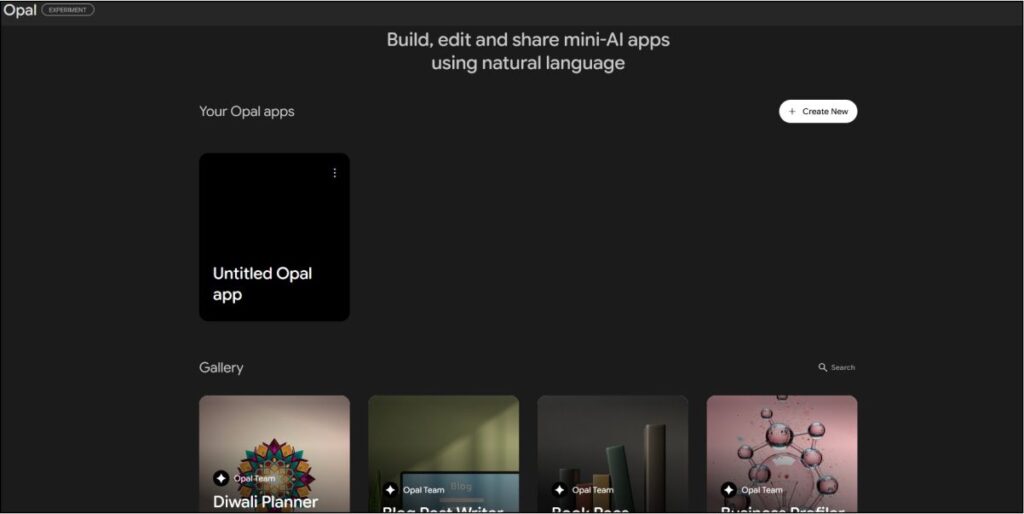
Opal is Google’s foray into advanced, user-friendly image generation. While tools like Imagen are in the pipeline, Opal represents Google’s experimental approach to turning text descriptions into detailed, high-quality visual art. As a Labs experiment, it’s designed for creative exploration, allowing you to:
- Generate unique artwork, concept images, and illustrations.
- Experiment with different artistic styles and compositions via descriptive prompts.
- Iterate quickly on visual ideas for stories, presentations, or design mockups.
It’s an excellent free alternative for artists, content creators, and marketers needing custom visuals.
Enhance Your Visual Creation Process
- Drawing tablets e.g., Wacom, XP-Pen
- High-resolution monitors (for detailed image review)
- Books on digital art and design principles
3. NotebookLM: Your AI Research Assistant with Video Superpowers
Where to Find It: NotebookLM Website (Note: Video Overview is a specific feature)
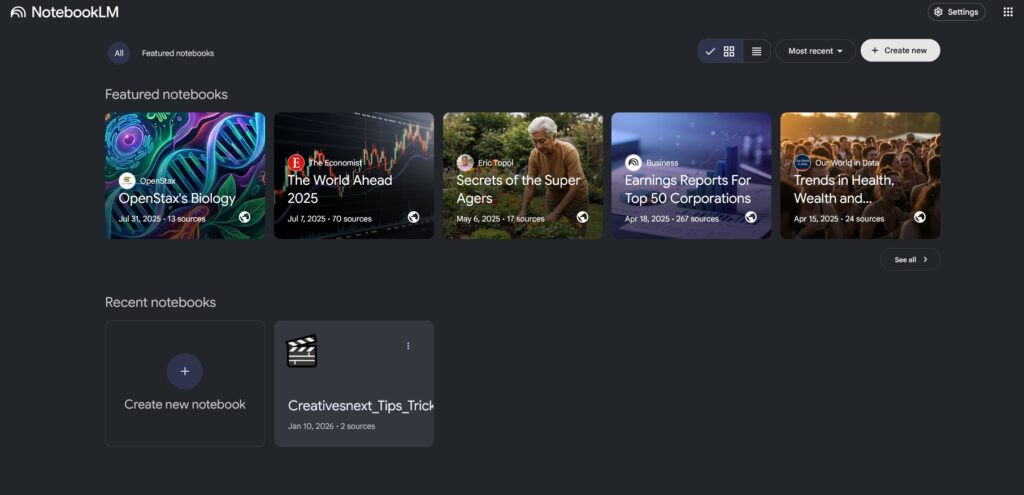
Here is something, I made using NotebookLM for the first time. I fed a Premiumbeat PDF as the source. I feel it’s much like a podcast, haven’t seen anything to make it look more animated.
NotebookLM is more than a note-taking app; it’s an “AI-powered notebook” that grounds the Gemini model in your own provided sources (PDFs, text files, copied notes). The standout Video Overview feature is revolutionary:
- How it Works: You provide the URL of a YouTube video (like the one referenced in this article).
- What it Does: NotebookLM generates a summary, a detailed transcript, and a list of key topics. More importantly, it creates a “video guide”—a structured set of notes with citations linked to specific timestamps in the video.
- The Benefit: This transforms passive video watching into active learning. You can ask questions about the video’s content, and NotebookLM will answer based on the transcript, saving hours of manual note-taking. Ideal for students, researchers, and professionals who learn from video content.
USB flash drives – For Source Documentation
RCA to Digital video converters – For old footage
4. Pomeli: Streamline Your Writing Process with this Google AI Tool
Where to Find It: Google Labs Experiments – Pomeli
Pomeli is an experimental writing assistant from Google Labs that focuses on enhancing and streamlining the writing workflow. It goes beyond basic grammar checks by potentially offering:
- Tone and Style Adjustment: Refine your text to sound more professional, casual, concise, or elaborate.
- Idea Expansion: Develop short bullets or ideas into fuller paragraphs.
- Creative Brainstorming: Overcome writer’s block with AI-generated suggestions and alternatives.
As a Labs experiment, its features may evolve, but it represents Google’s commitment to building intelligent, context-aware writing aids that are freely accessible.
Improves the writing workflow and environment
5. Gemini Canvas: Visualize and Organize Your Thoughts
Where to Find It: Inside the Gemini app or website → Look for “Tools” → Select “Canvas.”
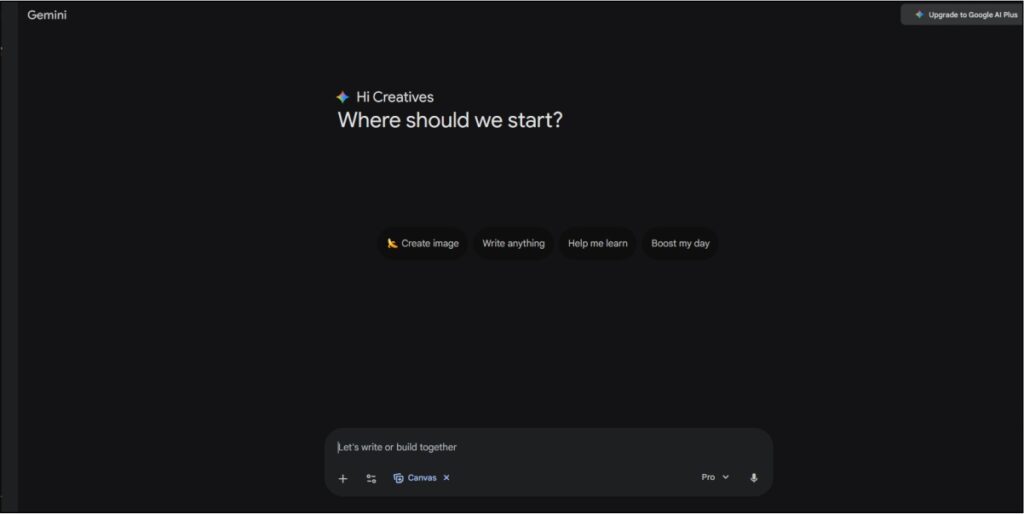
Gemini Canvas introduces a spatial, visual dimension to interacting with AI. Instead of a linear chat, Canvas provides a flexible whiteboard where you can:
- Place and Connect Ideas: Add text boxes, images, and notes anywhere on an infinite canvas.
- Ask Gemini in Context: Highlight elements on your canvas and ask Gemini to generate new content, summarize connections, or brainstorm related ideas directly onto the board.
- Create Mind Maps & Diagrams: Visually organize projects, plot storylines, or design systems with the AI as a collaborative partner.
This tool is a game-changer for visual thinkers, project planners, and anyone who benefits from seeing the big picture and its details simultaneously.
6. Nano Banana Pro: Instant, Quirky Image Generation
One of the most popular free AI tools of Google. You’re missing something, if you haven’t started yet.
Where to Find It: Inside Gemini chat (Tools → Create Images) & Google AI Studio.
Here is a prompt I have given: “Create an image of a 3d terrain that I can use as a sample topography for client approval”
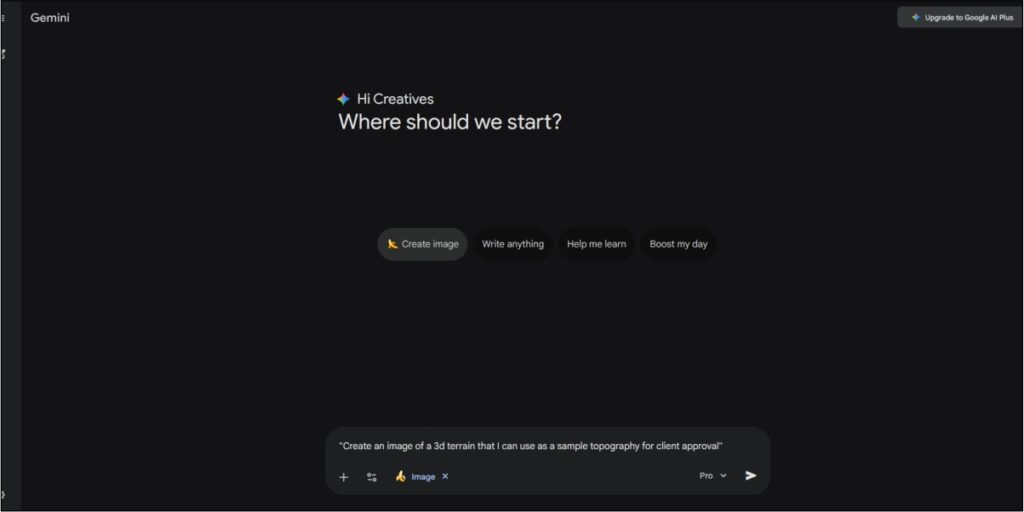
For storing, viewing, and understanding the images created – You Need Display units
And here is the result.

Don’t let the playful name fool you. Nano Banana Pro is the identifier for one of Gemini’s integrated image generation models. It’s designed for speed and accessibility:
- Simple Activation: In the Gemini chat interface, just type a prompt like “Create an image of…” or use the dedicated “Create Images” tool button.
- Rapid Results: Generates images in seconds directly within your chat flow, making it perfect for quick illustrations, memes, or visual aids.
- Dual Access: Also available in AI Studio for more structured prototyping of image-generation tasks.
It exemplifies how Google is baking generative AI capabilities directly into its user-friendly interfaces for everyday creative tasks.
7. Multi-Speaker Audio Generation: Craft Rich Audio Narratives with this Google AI Tool
Where to Find It: Google AI Studio → “Speech” interface → “Multi-Speaker” option.
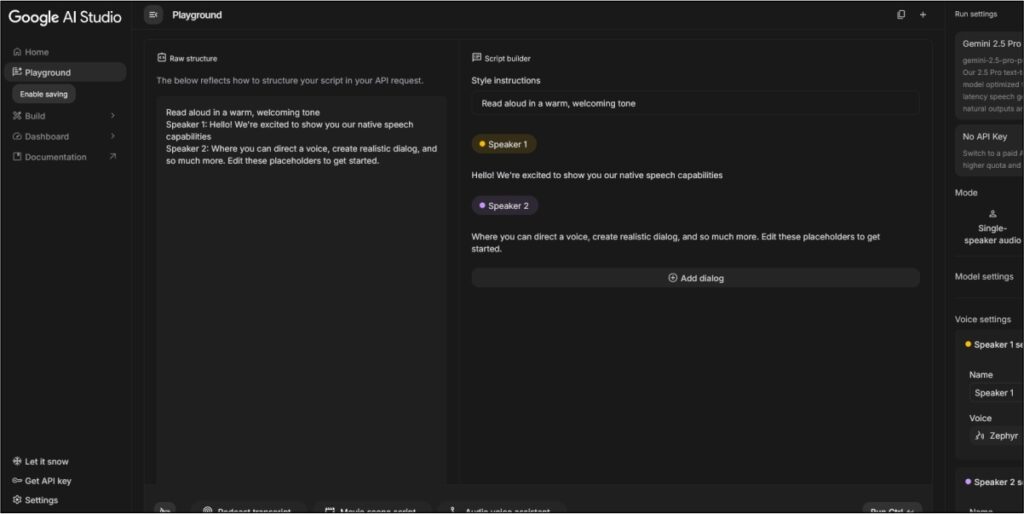
This is a powerhouse tool for audio creators. Moving beyond single-voice synthesis, this feature allows you to:
- Generate Conversational Audio: Create dialogues between distinct, AI-generated voices for podcasts, audio dramas, or video voiceovers.
- Assign Roles: Write a script with dialogue tags (e.g.,
Narrator:,Character A:), and the tool will assign a unique, consistent voice to each role. - Control Pace and Tone: Experiment with parameters to influence the delivery of the speech, bringing scripts to life with emotional nuance.
For educators creating learning content, indie game developers, or podcasters needing placeholder dialogue, this free AI tool offers capabilities that were recently exclusive to high-end production studios.
Multi-Speaker Audio Generation
Directly related to audio creation—essential for creators wanting to produce high-quality podcasts or voice overs
Why these Free AI Tools of Google Are a Game-Changer
The common thread among these seven tools is democratization. Google is placing advanced, specialized AI—for video analysis, multi-voice production, visual organization, and rapid prototyping—directly into the hands of users at no cost. They lower the barrier to entry for sophisticated digital creation and provide a sandbox for the future of human-AI collaboration.
How to Get Started
- Identify Your Need: Need video notes? Go to NotebookLM. Creating a dialogue? Try Multi-Speaker Audio. Brainstorming visually? Open Gemini Canvas.
- Visit the Links: Most tools are accessible via Google AI Studio or Google Labs.
- Experiment Freely: These are tools designed for exploration. Test their limits, combine their outputs, and discover how they can fit into your unique workflow.
The future of AI isn’t just about consuming technology—it’s about actively creating with it. This suite of free AI tools of Google provides the perfect, zero-cost foundation to begin.
Good luck with your AI journey.